
Random Chat App
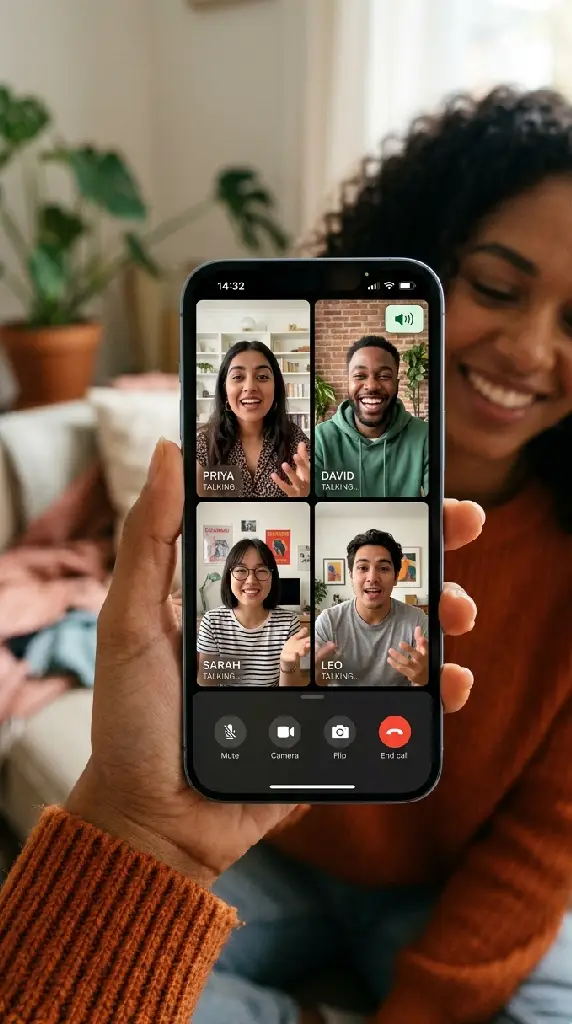
When people search for a random chat app, they are describing a quality of experience rather than literally demanding a file to install. They want something responsive, reliable, and feature-complete — the kind of polished interface that apps tend to deliver better than hastily built websites. This platform gives you that experience directly in your browser: the speed, the stability, the full feature set of a dedicated random chat app, without requiring a download, an app store account, or any installation on any device you own.
Why You Do Not Need to Install Anything
The distinction between a native app and a well-built browser application has narrowed dramatically over the past several years. WebRTC, the standard used for real-time video and audio in browsers, is now supported by every major mobile browser and performs equivalently to native implementations for the specific requirements of a random chat session. The camera, microphone, and network performance you get in this browser experience is not a compromise relative to an installed app — it is the same technical layer, accessed differently.
What you gain from the browser model is significant. No app store review process stands between a decision to try the platform and actually using it. No installation takes up space on your device. No background process continues running after you close the tab. No push notification system requests permission to interrupt you. No app store account is required. The friction between wanting to use a random chat app and actually using one is reduced to opening a tab.
That frictionless access is one of the primary reasons this platform has eight million daily sessions across more than 150 countries. Anyone with a current browser on any device — a flagship smartphone, a mid-range Android, an ageing laptop, a school Chromebook — has full access to the same feature set under the same terms. That universality cannot be achieved with a native app, which always requires a device capable of running a current iOS or Android version.
Full Feature Parity Across Every Device
Text, voice, video, matching filters, safety controls, and the complete global pool are all available on a phone browser in exactly the same form as on a desktop browser. There is no mobile-specific limitation, no feature held back for app users, and no prompt to download an app to access the full experience. The browser experience is the full experience, on every device, from the first visit.
Instant Access, Zero Setup
Opening the platform in a browser and pressing the start button takes under ten seconds. An equivalent app experience requires finding the app, downloading it, installing it, granting permissions, and completing any onboarding before the first session. Each of those steps carries a dropout risk. This platform eliminates all of them. The time from decision to first conversation is measured in seconds rather than minutes.
Privacy Without a Permanent Footprint
An installed app maintains a presence on your device, requests ongoing permissions, and can be observed in your installed application list. A browser session ends completely when the tab closes. No app icon remains. No listed permissions persist. No background service continues. For users who value discretion about how they spend their time online, the browser model provides a level of disappearance from the device that no installed app can match.
What This App-Quality Experience Delivers
These six capabilities describe the random chat app experience you are looking for — responsive, feature-complete, and reliable — delivered through a browser without requiring anything to be installed on your device.
Sub-Second Interface Response
The interface responds to every action — start, skip, toggle camera, switch mode, file a report — in under a second. There is no loading state between pressing a button and seeing its effect. That responsiveness is what users associate with polished native apps and what this browser-based implementation specifically engineered to match. The session that begins when you press the button begins immediately, not after a loading spinner has had its moment.
In-Session Safety Controls
The report button, skip function, and communication-mode toggles are all visible in the active session interface without navigating away from the conversation. Each control responds immediately. Reports reach a human moderator within minutes and the reported participant is suspended from new sessions pending review. This is the safety infrastructure of a professionally maintained application, not a nominal feature list added to check a box.
Global Pool Across 150+ Countries
The matching pool spans over 150 countries and is available in full from the first session on any device. There is no geographic tier that requires a premium plan to unlock, no regional subset you start with before expanding, and no concentration effect that makes the pool feel limited despite the headline number. Every country in the pool is in the draw for every session, at the same weighting, for every visitor.
Language and Topic Matching Filters
The preference filters are available from the same screen as the start button without navigating to a settings menu. Selecting a language or adding topic tags narrows the pool draw toward participants with matching preferences for the current session. Both settings reset between sessions unless you actively re-apply them, which means no persistent profile accumulates from your filter choices. The filters serve the current session; they do not build a record of your preferences over time.
Optimised for Mobile Battery and Data
The adaptive stream management that adjusts video quality to match connection conditions also reduces the processing and transmission overhead when full quality is not available. That translates to lower battery consumption on mobile sessions and more efficient use of mobile data allowances. Users on constrained mobile connections get a leaner experience that stays live rather than a full-quality stream that buffers and drops. Both outcomes are better than a binary high-or-nothing approach.
HD Video on
Any Screen
Size
The video stream delivers HD quality on connections that support it and adapts gracefully when they do not. The adaptive bitrate management adjusts resolution to maintain a live connection rather than dropping it, which is the behaviour users expect from app-quality video. Camera and microphone are handled through the browser’s standard permission system with no background process maintaining access between sessions.
Why Browser-First Beats App-First for Random Chat
Native apps carry genuine advantages for certain use cases. Random chat is not one of them. These four qualities describe the specific ways in which the browser model outperforms the installed-app model for this particular format.
No App Store Gatekeeping
App stores review, approve, and can remove applications based on criteria that change without notice. A random chat platform that depends on app store distribution is one review decision away from losing access to its user base. This platform operates independently of any app store. There is no approval process between us and you, no version that can be pulled from a storefront, and no permission from any third party required for you to use the full feature set on any device.
Accessible on Devices That Cannot Run Current Apps
A significant portion of the global smartphone population runs operating system versions that are too old to install current app versions. Those devices can still run a current browser. The browser-first model makes this platform available to users who would be excluded by an app-first approach — which is a meaningful contributor to why the pool here is as geographically and demographically diverse as it is. Accessibility and pool quality are the same thing.
Always Updated, Never Out of Date
App updates require the user to download and install a new version. Between updates, older versions remain in use alongside newer ones. This platform delivers the current version on every visit without any action from the user. There is no outdated client, no version fragmentation, and no feature difference between users based on when they last updated. Everyone who opens the page is using the same version as everyone else, always.
No Permissions That Persist Between Sessions
Installed apps request permissions at installation that remain active until explicitly revoked. This platform’s camera and microphone access are tab-scoped: they activate when you start a session and cease completely when you close the tab. No background process holds camera access. No silent location permission accumulates. The permission model of a browser session is structurally more privacy-preserving than that of an installed app for the same function.
Browser-Based App vs. Native App vs. Everything Else
The choice between a browser-based random chat experience and a native app one involves real trade-offs. This table makes those trade-offs explicit across the dimensions that matter most for the random chat use case specifically.
| Key Attribute | Random Chat App | Legacy Platforms | Niche Alternatives | Global Social |
|---|---|---|---|---|
| 🎟️ Subscription-Free Usage | ✔ Always | ✔ Free | ~ Freemium | ✔ Free |
| 🚪 Onboarding Experience | ✔ Instant | ✔ None | ✘ Required | ✘ Required |
| 🔐 Data Protection | ✔ Encrypted | ✘ None | ~ Partial | ~ Varies |
| 📉 History Policy | ✔ None | ✘ Stored | ✘ Stored | ✘ Stored |
| ⚙️ Targeting Controls | ✔ Free | ✘ None | ~ Paid | ✘ None |
| 🧩 Affinity Matching | ✔ Free | ~ Limited | ~ Paid | ✘ Manual |
| 🌐 Multi-Device Access | ✔ Full | ~ Patchy | ✔ Yes | ~ App Only |
| ⚡ Launch Protocol | ✔ Browser | ✔ Browser | ✘ App Needed | ✘ App Needed |
| 👮 Integrity Assurance | ✔ 24/7 | ✘ Minimal | ~ Bots Only | ~ Flags |
| 🕶️ Profile Anonymity | ✔ Complete | ~ IP Visible | ~ Partial | ✘ Profile |
A Safer Random Chat Experience by Design
The browser model offers privacy advantages over installed apps that most users do not fully consider. Combined with the platform’s own privacy architecture, the result is a random chat experience that is structurally more protective of your data than any native app equivalent.

📱 What Protects Every Session on Every Device
- End-to-end encryption applies across text, voice, and video from the moment a session begins on any device
- Camera and microphone permissions are tab-scoped and cease immediately when the browser tab is closed
- No conversation content is retained after a session closes — the architecture has no storage layer for session data
- Your network address is never transmitted to the person you are matched with through any mechanism the platform operates
- No persistent cookie, device fingerprint, or cross-session identifier links your visits to each other in our systems
- No app remains installed on your device between sessions, leaving no icon, permission, or background process
- Human moderation responds to every in-session report within minutes; confirmed violations result in permanent pool removal
Tab-Scoped Are Private Than App Permissions
When you grant a native app camera or microphone permission, that permission remains active until you manually revoke it in your device settings. Most users never revoke it. The browser model works differently: permission is active while the tab is open and automatically inactive when it closes. No further action is required and no permission lingers. For a use case where you want camera access for a specific session and not as a standing grant, the browser model is structurally superior to the app model.
No App Store Account in the Privacy Chain
Installing an app through an app store creates a record that you installed it, potentially a record of how often you open it, and a link between your app store identity and your usage patterns. None of those records exist with a browser-based platform. Your app store account has no knowledge of this platform. Your usage pattern creates no record in any third-party system. The only data trail is in your browser history, which you control entirely.
End-to-End Encryption in a Browser Context
Browser-based end-to-end encryption using WebRTC and DTLS-SRTP is as strong as the equivalent implementation in a native app. The encryption happens at the device level before content enters the network, regardless of whether the application is a native binary or a browser session. The relay infrastructure routes encrypted packets without reading them. No readable session content exists on our servers during or after any session on any device type.
Moderation That Works Regardless of Platform
The in-session report function, the skip button, and the safety controls are the same across all devices because the platform is the same across all devices. There is no version of the platform where safety features are reduced for mobile users or where reports take longer to reach a moderator based on which device type filed them. The human moderation team receives every report in the same queue and responds to each one within the same timeframe regardless of the device or operating system on either side of the session.
Why People Chose the Browser Over the App
The six people below arrived specifically looking for a random chat app and chose this browser-based platform instead of installing one. Their accounts explain what the decision was based on and what they found once they made it.
The Best Random Chat App Is Already in Your Browser
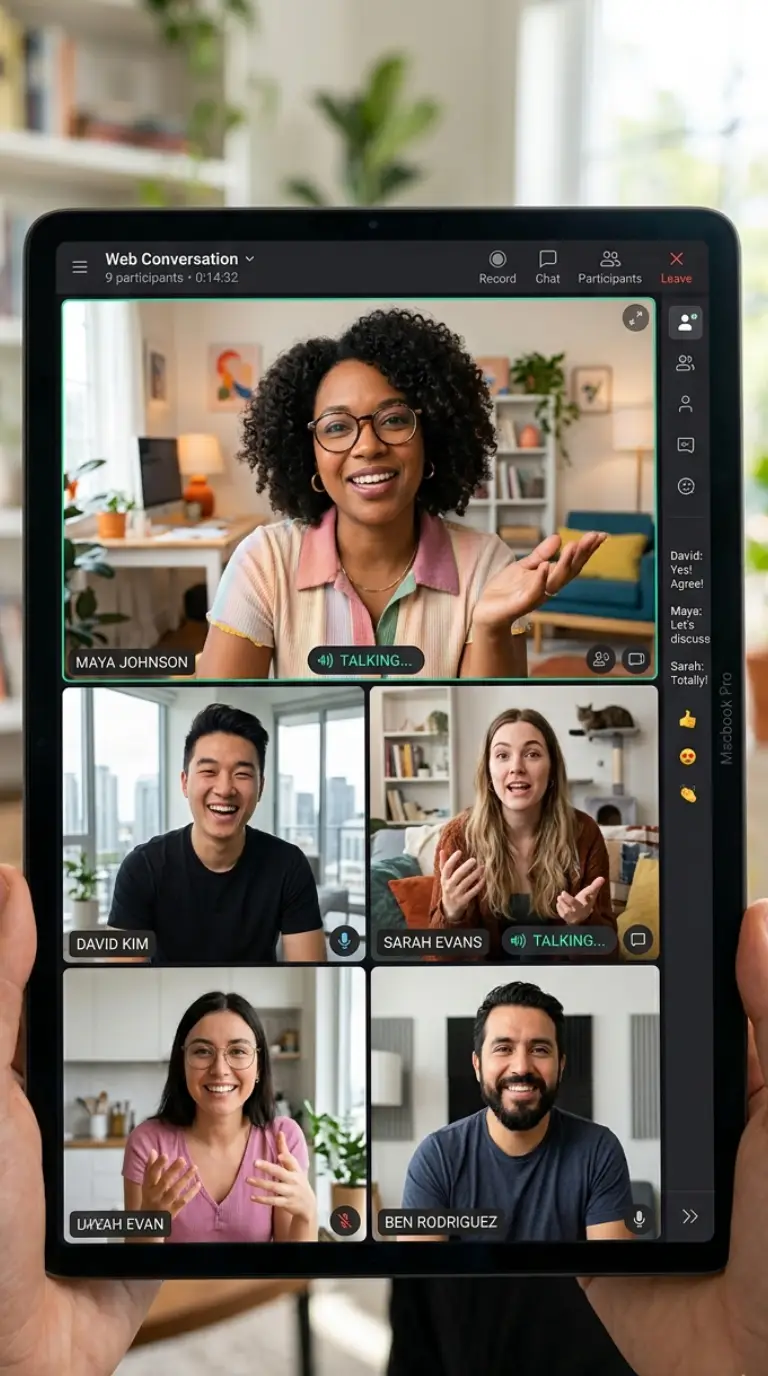
The search for a good random chat app is usually a search for a specific quality of experience: fast, reliable, feature-complete, and capable of producing genuinely interesting conversations with real people from around the world. That quality does not require installation. It requires well-engineered software running on a well-maintained infrastructure with a large and active user pool. All three of those things exist here, accessible through any browser, on any device, without downloading a file.
The technical case for browser-first is stronger than most people realise. WebRTC performance in current mobile browsers is not a degraded version of native app performance for the specific functions a random chat platform requires. The encryption is as strong. The video quality is as high. The connection speed is as fast. The difference in user experience between opening a browser tab and opening an installed app is the one that matters: the former takes seconds from any device, the latter requires a chain of prerequisites that not every user or every device can satisfy.
Eight million daily sessions tell the rest of the story. Users who find a random chat experience this responsive, this feature-complete, and this globally connected do not go looking for an app to install. They return to the tab. That return rate is what produces the pool size and the pool quality that makes every session here better than a session on a platform with a smaller or less diverse community. The no-install model and the quality of the experience are not in tension. They are the same decision, producing the same outcome.
Open a tab. Start a chat. No app needed.
Where the Browser-First Model Opens the Pool
The no-download model does not just remove friction for existing smartphone users. It extends the pool into markets where app installation barriers — operating system version requirements, app store access, device storage constraints — consistently prevent native apps from gaining meaningful traction. These four regions reflect where that difference is most significant.
The Great Lakes and Central Africa
Uganda, Rwanda, Burundi, and the eastern Democratic Republic of Congo all have active daily users for whom the browser-based model is the primary point of access to global random chat. Most devices in this region run Android versions that are too old to install current app versions from the Play Store, but all of them run a capable browser. The no-download model is what makes this platform accessible in these markets rather than theoretically available.
The Hindu Kush and Pamir
Pakistan’s northern territories, Tajikistan, Kyrgyzstan, and Western China all generate sessions from users who lack reliable Play Store or App Store access due to regional policy, connectivity constraints, or operating system restrictions. The browser-based approach bypasses every one of those barriers. Urdu, Tajik, Kyrgyz, and Russian are among the session language preferences most frequently selected from this cluster, representing a community the app-first model cannot reach.
The Eastern Caribbean Islands
Trinidad and Tobago, Barbados, Saint Lucia, Grenada, Saint Vincent and the Grenadines, and Antigua and Barbuda all contribute sessions to the pool. English is the universal session language across this cluster. For users on smaller island economies, device upgrade cycles are longer and OS versions older than app store minimums are common. The browser model provides full access regardless, and session volumes from this cluster have grown consistently as awareness of the no-install experience has spread.
Southeast Europe and the Adriatic
Bosnia and Herzegovina, Serbia, Kosovo, North Macedonia, and Montenegro all have active user communities. Serbian, Bosnian, Albanian, Macedonian, and English are all represented in session language preferences from this cluster. Users from Southeast Europe show above-average session duration and a high rate of using the language filter to access English-language conversations specifically, reflecting a strong motivation toward cross-linguistic exchange that the global pool of this platform reliably supports.
Questions About the No-Download App Experience
These questions address the specific concerns people have when they consider using a browser-based platform instead of installing a dedicated app — what they gain, what they give up, and how the experience compares in practice.
1. Is the browser experience really as good as a native app?
For the specific requirements of random chat — real-time text, voice, and video with strangers — the gap between a well-built browser implementation and a native app is not perceptible in practice. WebRTC, the technology underlying this platform’s video and audio, was designed for browser-based real-time communication and is mature in all current mobile and desktop browsers. The matching speed, video quality, and interface responsiveness meet or exceed what most native chat apps deliver.
2. Do I need to create any kind of account?
No. There is no account on this platform, no sign-up form, and no login flow. The platform was built without any account infrastructure because the experience does not require one. You open the page and start chatting. Returning to the platform after any period of absence involves exactly the same entry process: open the page, press the button. No account credentials to remember and no re-authentication required at any point.
3. Will the chat quality be worse on my phone browser than on desktop?
No. The platform was designed from the outset to be equivalent across device types. Camera quality in the video stream is determined by your device’s hardware and connection speed, both of which are the same regardless of whether you access the platform through a browser or an installed app. The session quality you get on a phone browser is the same you would get from a native app using the same device camera and the same internet connection.
4. Does using this in a browser use significantly more battery than an app?
The power consumption difference between a browser-based WebRTC session and an equivalent native app session is minimal for this use case. The adaptive bitrate management reduces processing overhead when full-quality video is not available, which also reduces battery consumption on constrained connections. For typical random chat sessions under sixty minutes, the battery impact is comparable to other video calling applications regardless of whether they are browser-based or native.
5. Can I save my preferences between sessions without an account?
The platform does not store preferences in any user record because no user record exists. Setting a language preference or topic tags before a session takes a few seconds. If you use the same browser device consistently, your browser’s autofill may pre-populate text fields, but that is browser functionality rather than platform storage. The lack of persistent preferences is a deliberate privacy decision: no preference history means no data profile built from your choices over time.
6. Is there a risk the session quality will degrade on slower mobile connections?
The adaptive bitrate management specifically addresses this. On a fast connection, video streams at full quality. On a slower connection, the system reduces resolution in steps rather than dropping the session. Audio quality is protected at every resolution level, so the conversation remains audible even if the video picture is reduced. The session stays live on connections that would cause a fixed-bitrate stream to buffer and drop, which is the behaviour that distinguishes a well-engineered platform from a basic one.
7. What happens to camera access when I close the browser tab?
Camera and microphone permissions granted to the browser tab are automatically released when the tab closes. No background process retains camera access. No application continues running on your device. The permission model is entirely tab-scoped: active while the session is in progress and inactive the moment the tab is closed, without any further action required from you. This is structurally more privacy-preserving than installed app permissions, which persist until manually revoked.
8. Can I use this on a device that cannot install new apps?
Yes. Any device that can run a browser updated within the last three to four years has full access to the complete feature set. This includes devices running older iOS or Android versions that are too old for current app store requirements, school-issued Chromebooks that prohibit app installation, and computers in public or shared environments where installing software is not permitted. The browser-first model was designed specifically to remove the operating system and device version prerequisites that exclude significant portions of the global device population.
9. Is there a version of this that I can install as an app?
No dedicated installable app exists. Many modern browsers support Progressive Web App installation, which lets you add the platform to your home screen for quick access — but this is optional and not required for any feature. The complete experience is available directly through any browser without any installation step, and that is the intended primary access method. The absence of a native app is a deliberate choice rather than a gap in the product roadmap.
10. Is the platform the same on iOS and Android browsers?
Yes. The platform delivers an equivalent experience on Safari on iOS and Chrome or similar browsers on Android. Camera and microphone handling, video quality, connection speed, and all feature availability are the same across both operating systems. The only variable is hardware quality — a higher-spec camera produces a clearer video stream regardless of which operating system it runs on. There is no platform-specific feature set difference between iOS and Android browser sessions.